Notice the Last Screen That Worked
Does the form refuse your details immediately, or does it accept them and fail on the next screen? Write down the message exactly, including any short error code.
Check whether the public page opens normally and whether XX9 has posted a maintenance notice. A known interruption is a reason to wait, not to keep changing your password.
- Record the attempt time and device.
- Distinguish a blank page from an explicit account warning.
Remove Guesswork From the Credentials
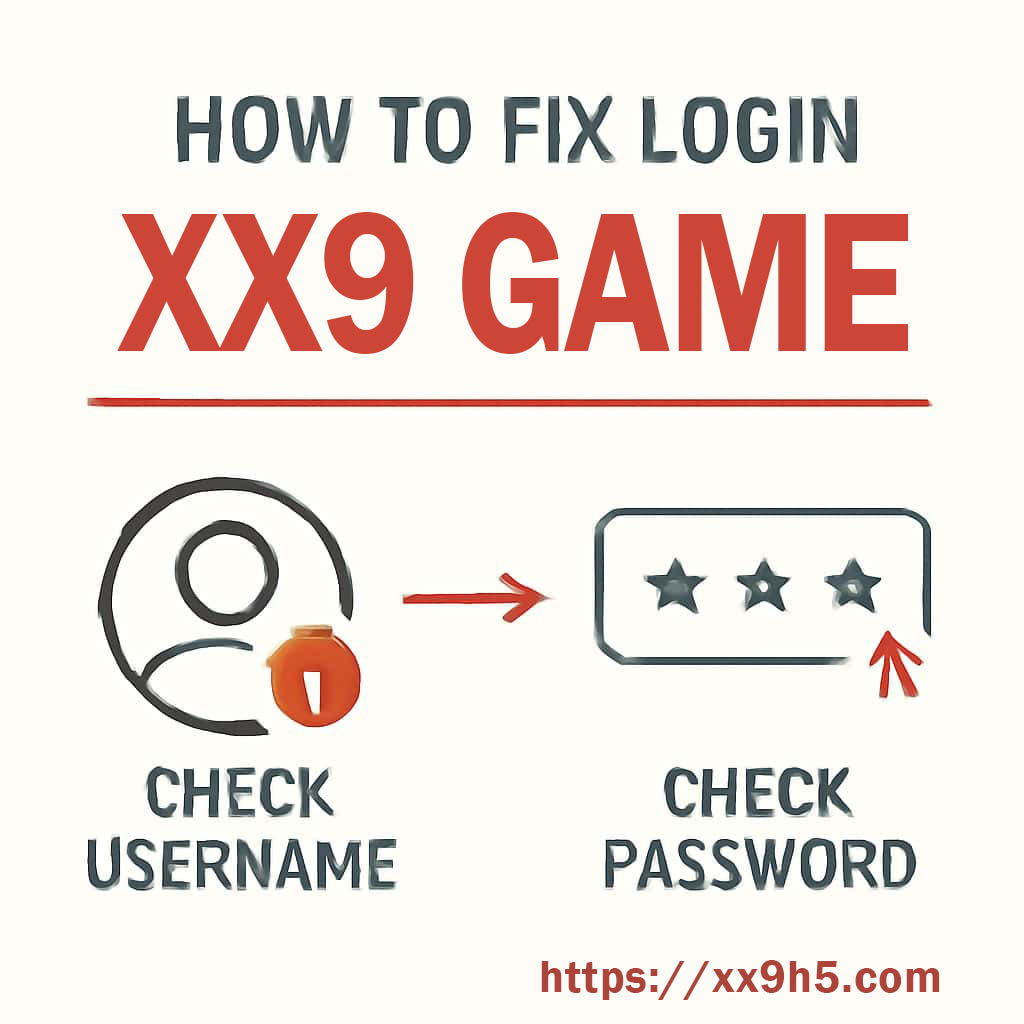
Enter your registered email or username yourself. Copied text sometimes carries an invisible space, while autofill can offer a password saved before your last reset.
If you cannot identify the current password, use the recovery option. Check the destination, inspect the sender and follow the newest valid message. Repeated guesses can trigger another obstacle without telling you anything useful.
- Watch keyboard case and the selected language.
- Do not forward the recovery message to anyone.
Test Without the Old Browser Session
Open a private window as a comparison. If login works there, clear stored data for the XX9 site in your usual browser; there is no need to erase every site's settings.
For the app, close it completely before reopening. Check that the phone sets its clock automatically, since a badly incorrect date can prevent a secure session from completing.
- Keep recovery access available before clearing data.
- Check that the browser or app version is supported.
Separate Connection Trouble From Account Trouble
Load another familiar website. If that also struggles, try your other trusted connection, such as mobile data instead of home Wi-Fi. Review filtering tools if the problem affects only one browser.
An unexplained restriction, missing recovery access or a failure on every compatible device belongs with support. Include the checks you completed so the reply does not begin with the same instructions.
- Avoid signing in over an unfamiliar network just to test.
- Send the error wording without including your password.